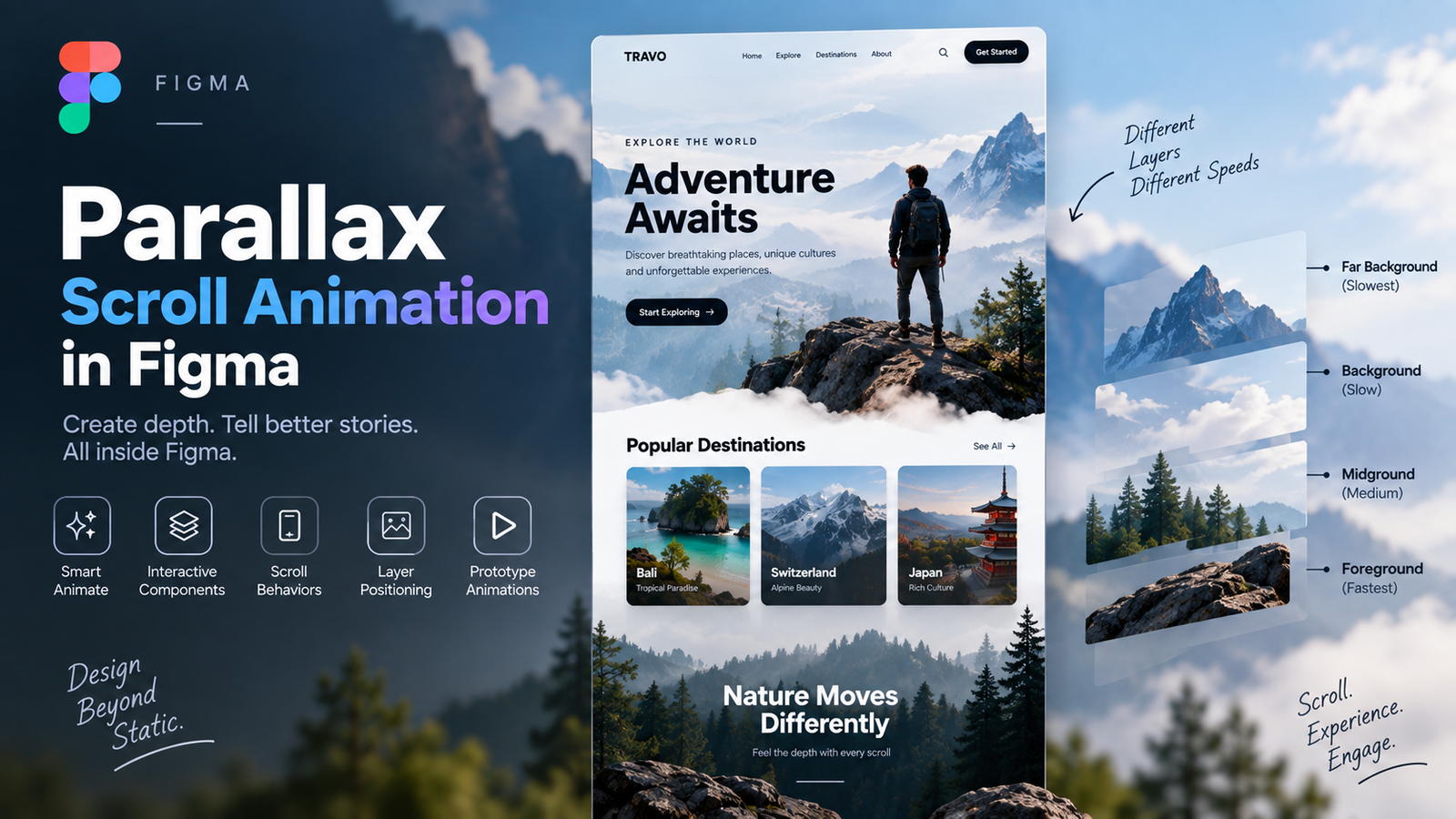
Parallax Scroll Animation is a technique where different elements move at different speeds while scrolling, creating a sense of depth and a more engaging user experience.
In Figma, you can create parallax effects using:
- Smart Animate
- Interactive Components
- Scroll Behaviors
- Layer Positioning
- Prototype Animations
This technique can be used to animate:
- Images
- Text
- Cards
- Backgrounds
- Icons
- Landing Pages
- Mobile App Screens
By combining these features, you can create smooth, modern, and visually appealing prototype animations directly in Figma without writing code.
Leave a Reply